
Design Interface Challenge
Brief
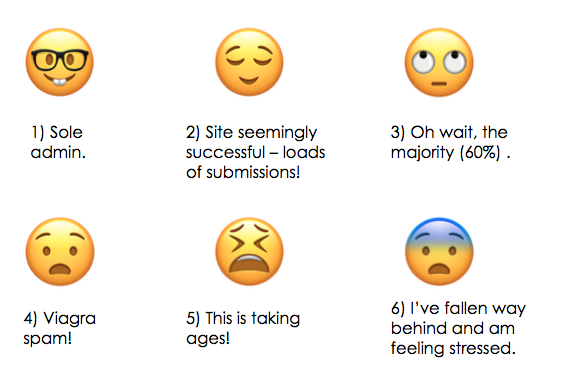
You are designing part of an admin interface for shareyourbestphoto.co (not a real site). The public website is already up and running. The sole website administrator is failing to cope with the number of emails generated by the photo submission form, and is falling further and further behind with curating and posting the best content to the website. The process of editing and publishing the chosen content is already in place and is not part of the scope of this brief. The submission form on the website receives on average 100 submissions per day, of which around 40% will be suitable for publication on the website.
Design Challenge
Design an interface to manage the process of sorting through submissions stored in the database, identifying the best content, categorising it, and saving it to a drafts queue. Speed should be the number one priority.
Form Submission Details
The form that collects the data is on the website, and consists of the following mandatory fields:
Image upload
Photo location (as latitude/longitude)
Country (Free text)
Date and time (standardised format)
Photo description
Submitter name
Submitter email address
Details
Photos can be assigned multiple categories
There are 20 categories used on the site
The categories themselves are managed in a separate admin screen (this is not part of the brief)
Only existing categories can be chosen
The administrator needs to verify the submitted details are correct
A good geographical spread of photos is desired
Spam is often submitted through the form
There are no technical or budgetary constraints

Persona
I began this task by creating a persona.
Jack White, 28
Founder and (sole) admin at shareyourbestphoto.com
WFH (a little lonely)
Self-starter
Wants to spend time on more important/interesting tasks
This is a work environment, will be in the office/workspace so should be desktop over mobile
Problem: Time consuming sorting through ~100 submissions a day, only 40% can be used.
User Journey
User and Business goals
Essential
Speed
High Priority
Identifying best content
Saving to a drafts queue
Removing spam
Nice to have
Good geographical spread
How to reduce spam?
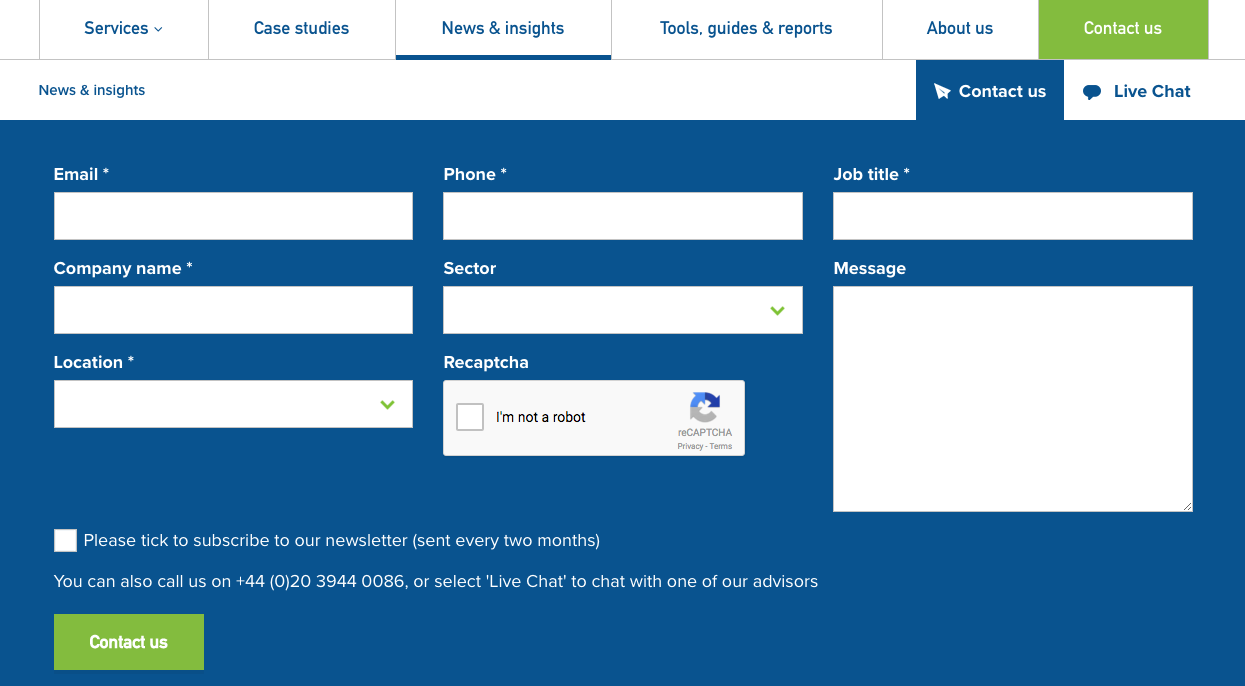
Options include
Require the submitter to click an email confirmation link after their photo submission
Set a limit for the number of submissions by email/IP address within a certain time period.
Hidden capture fields
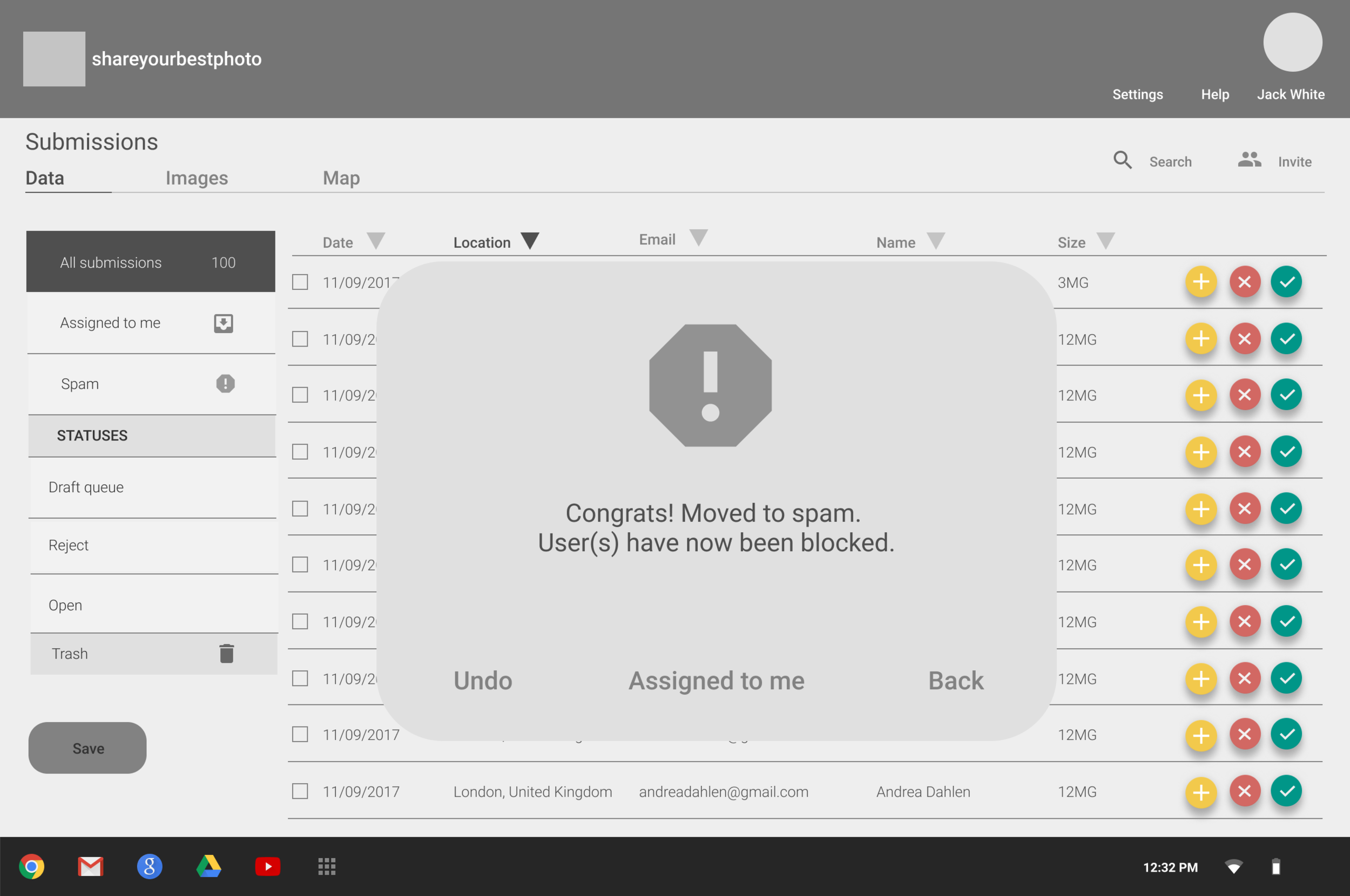
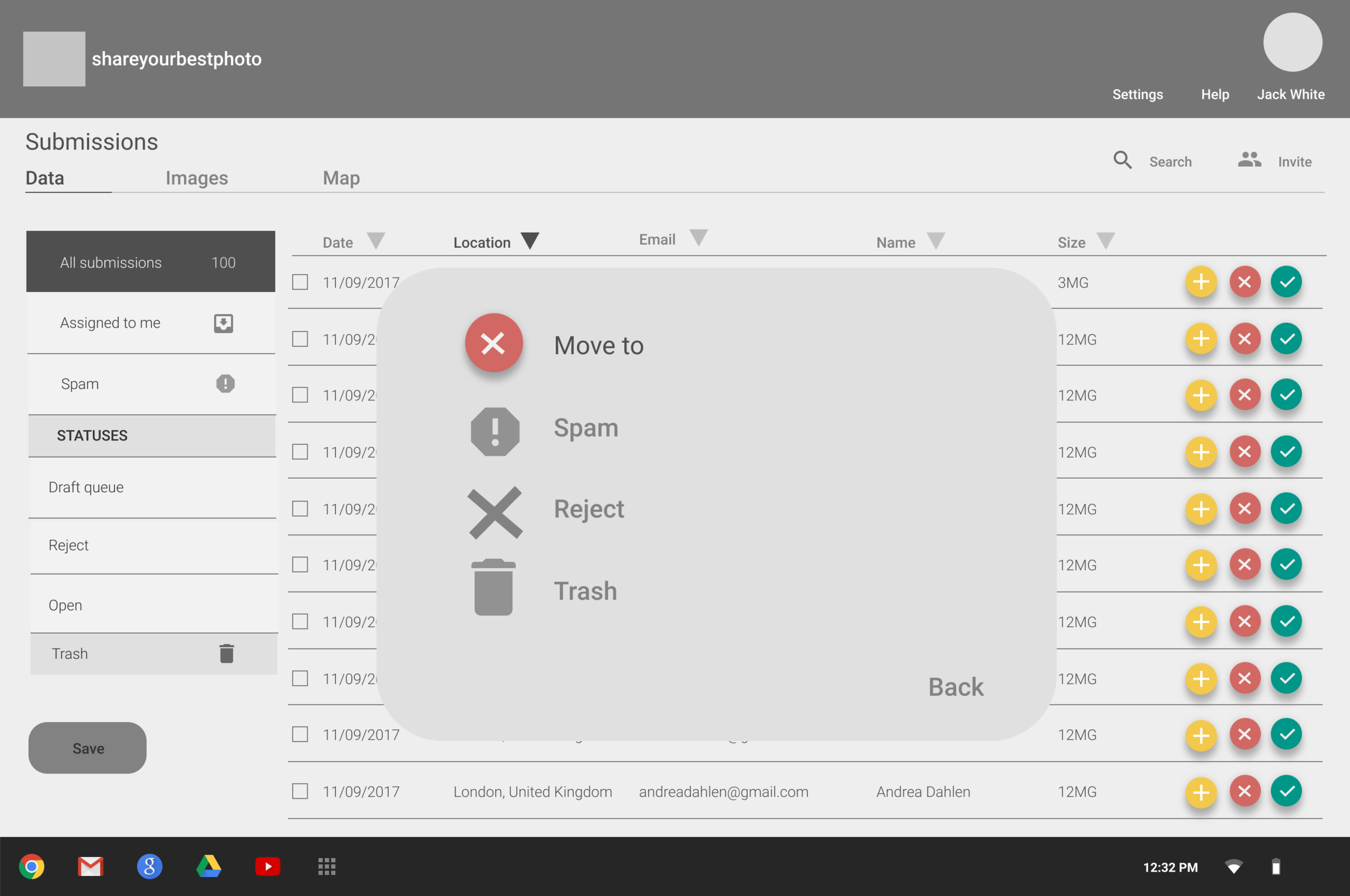
Block/report
Front End
Take the front end users into account too
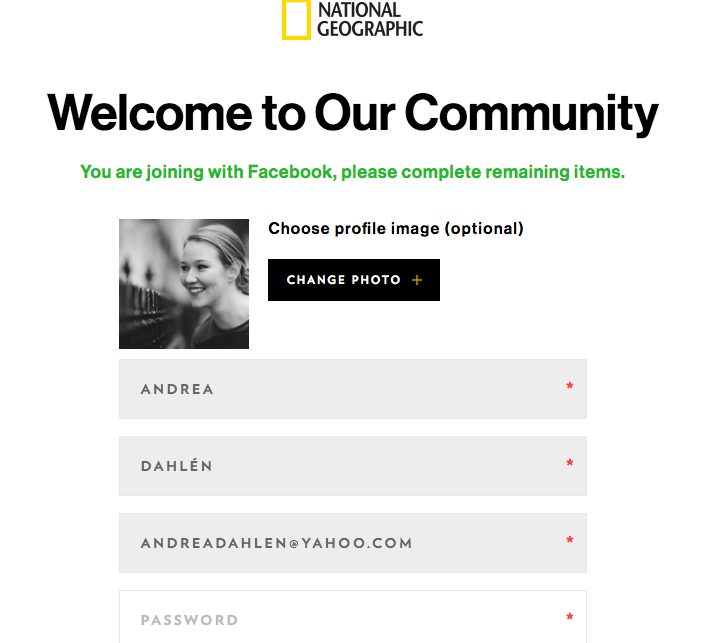
Would recommend creating profiles, so the user doesn’t have to go through lengthy process to submit every time
Verify profile using Facebook/Google?
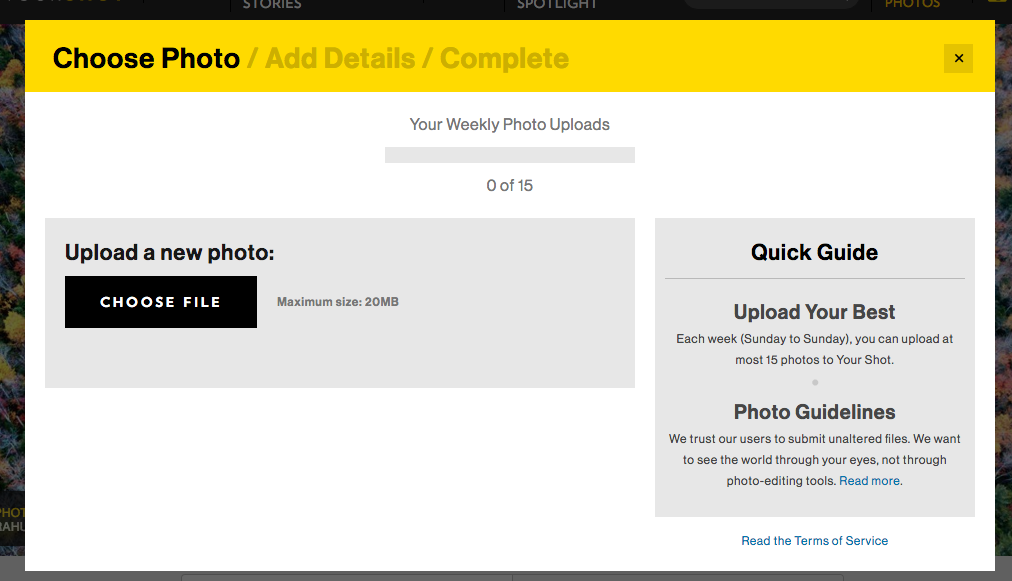
Submit multiple photos (albums) at the same time
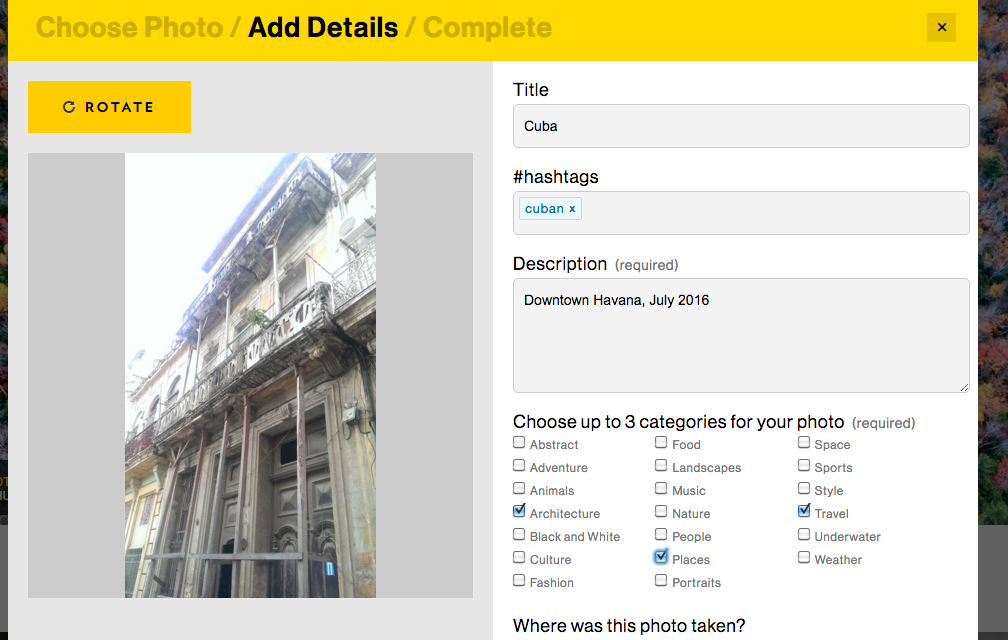
Remove time from form, Date should be enough?
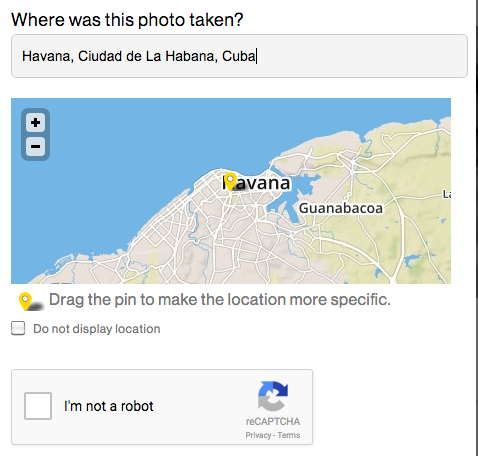
Free type with then areas prompted in drop down
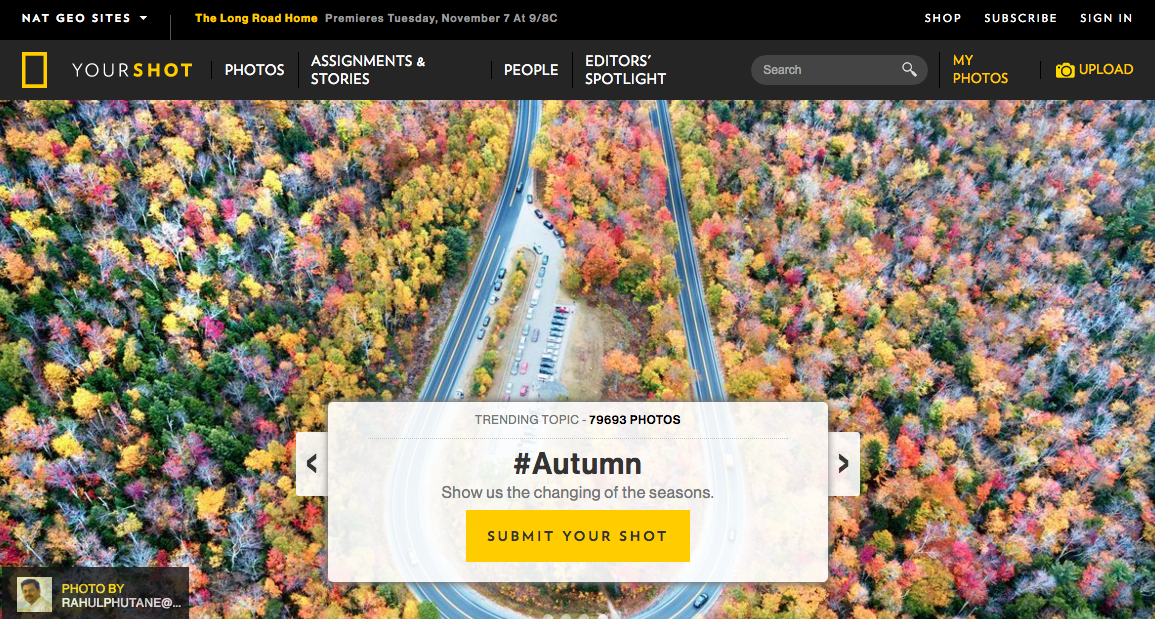
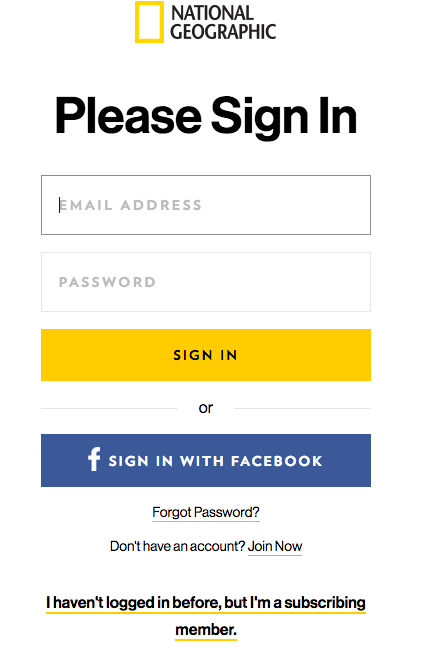
Competitors Front End
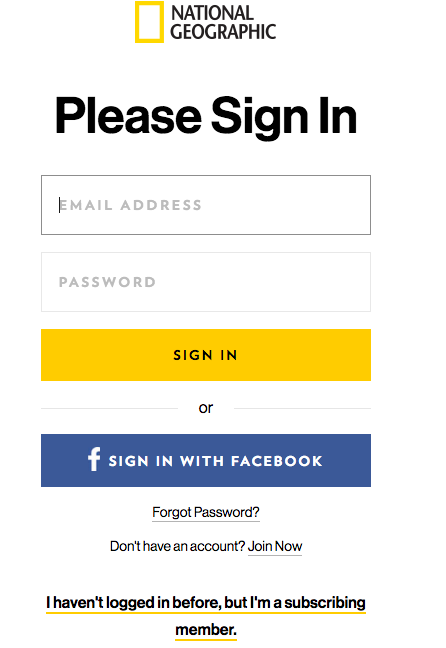
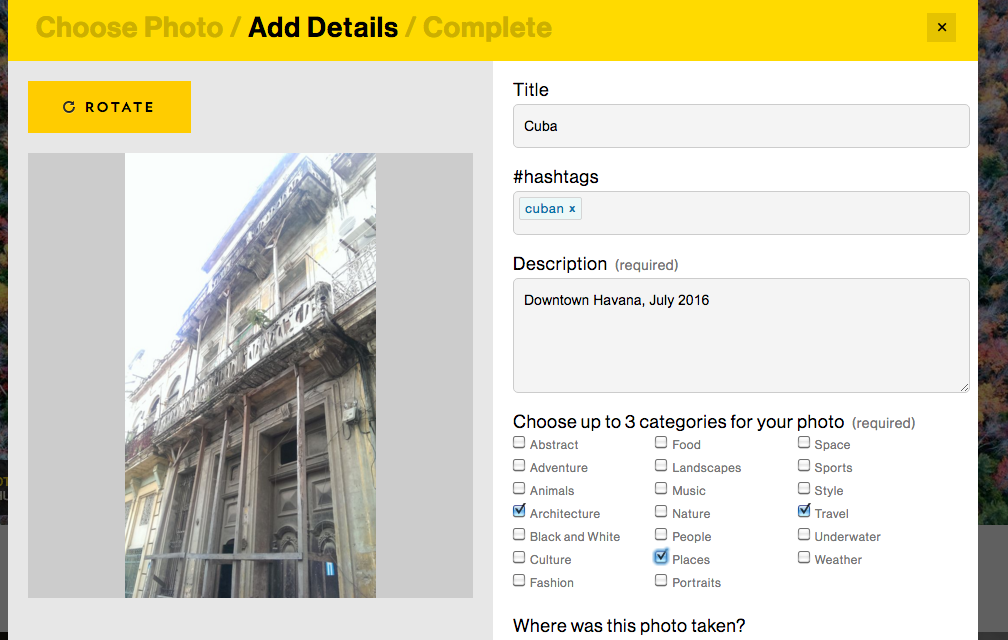
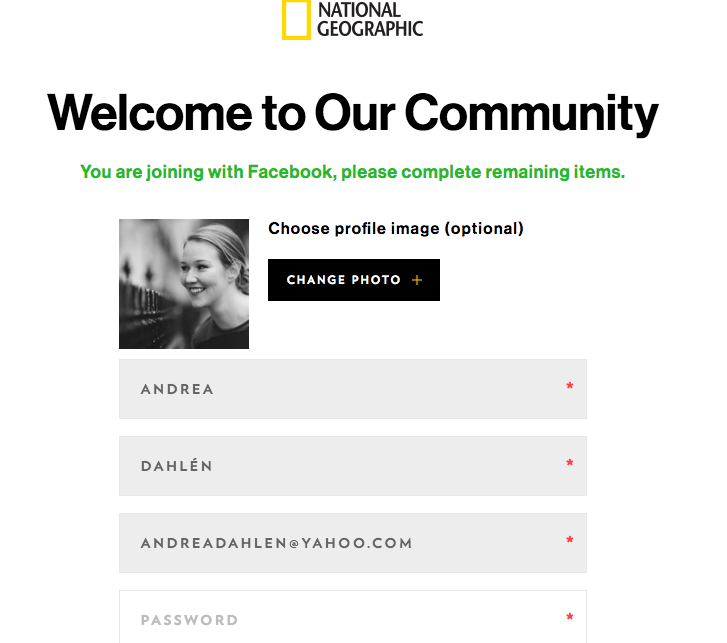
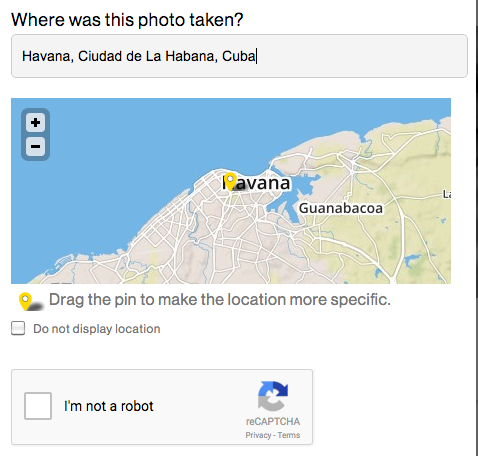
Back end
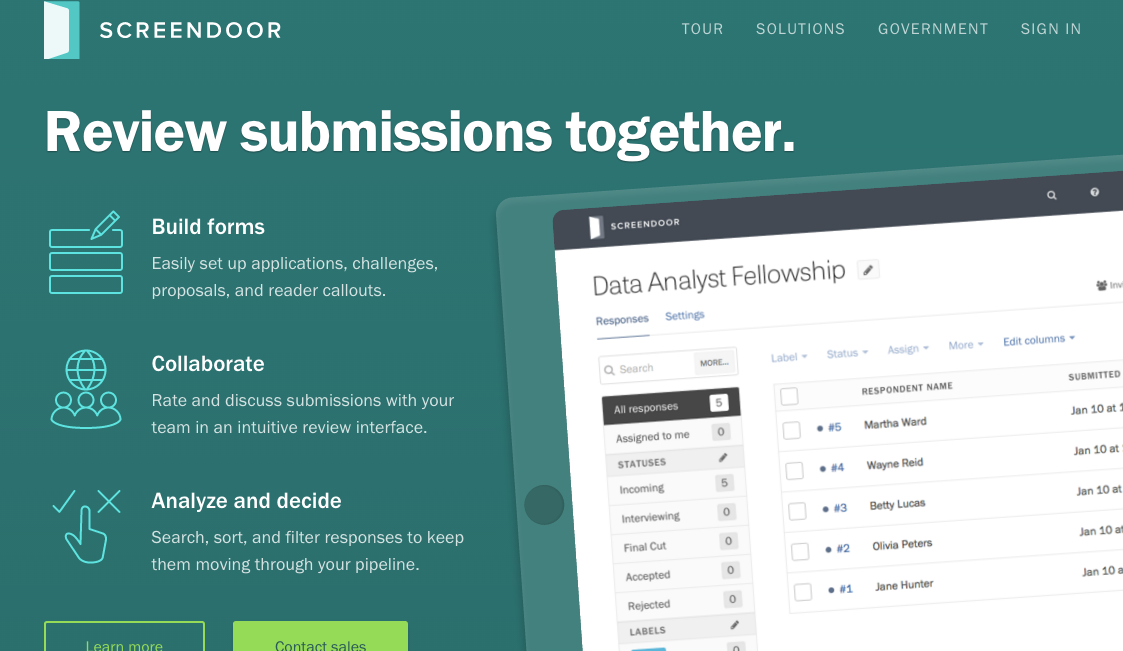
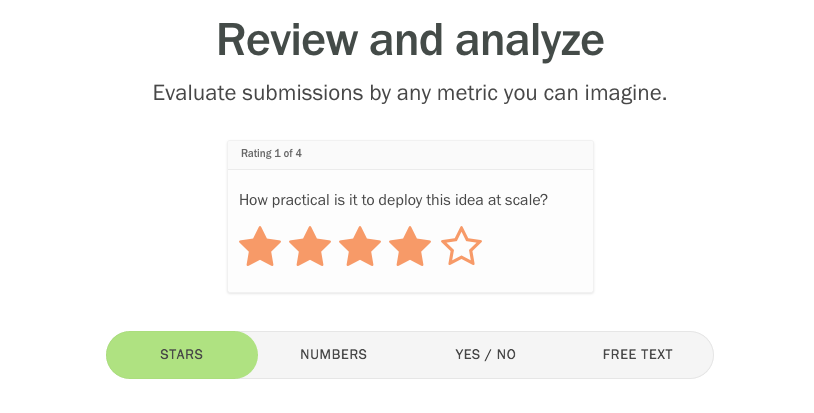
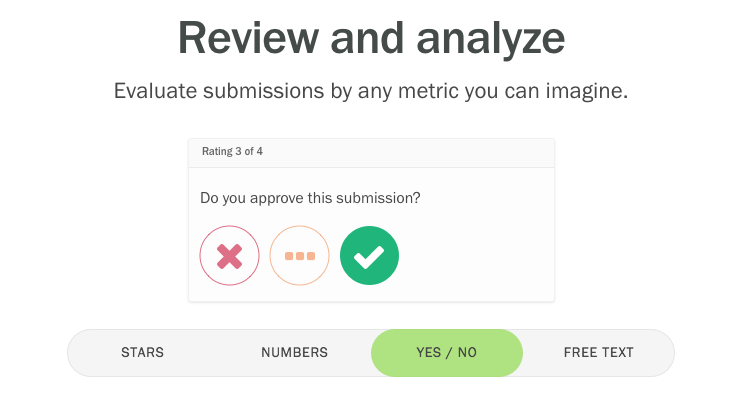
A similar interface I looked at is called Screendoor. One feature Screendoor offers is ability to additional admins. With an unlimited budget, I explored this option.
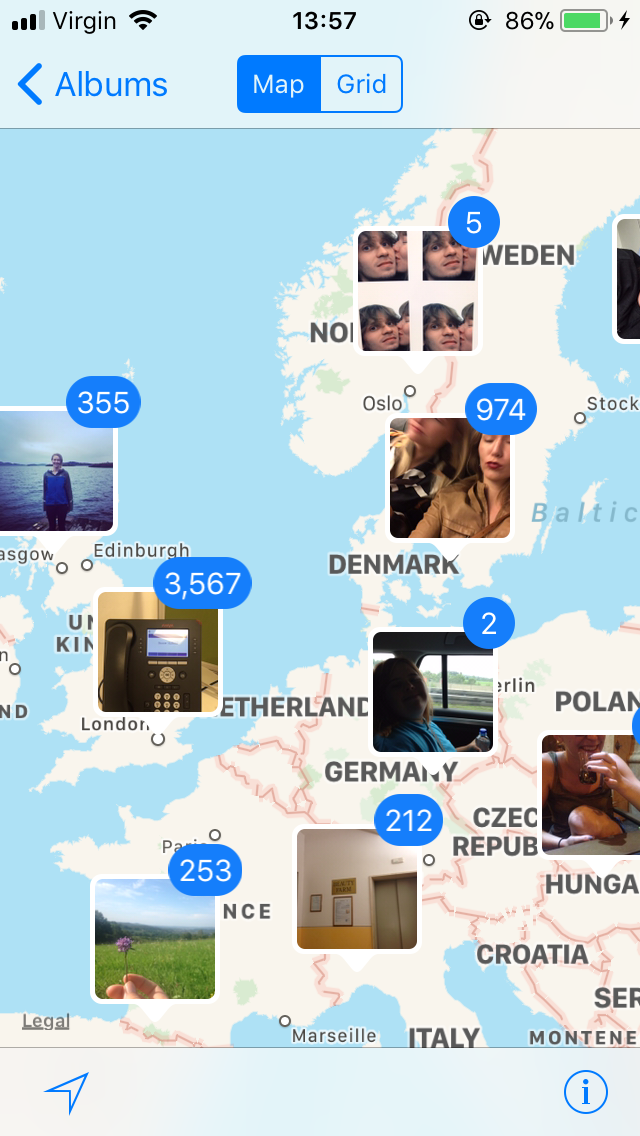
Geographical spread
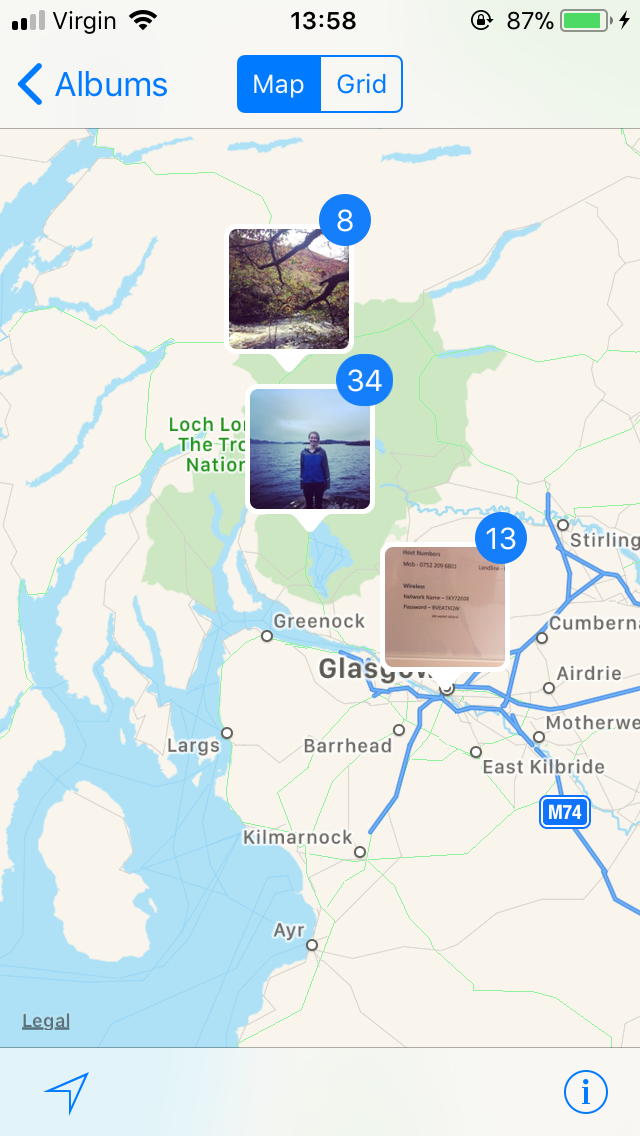
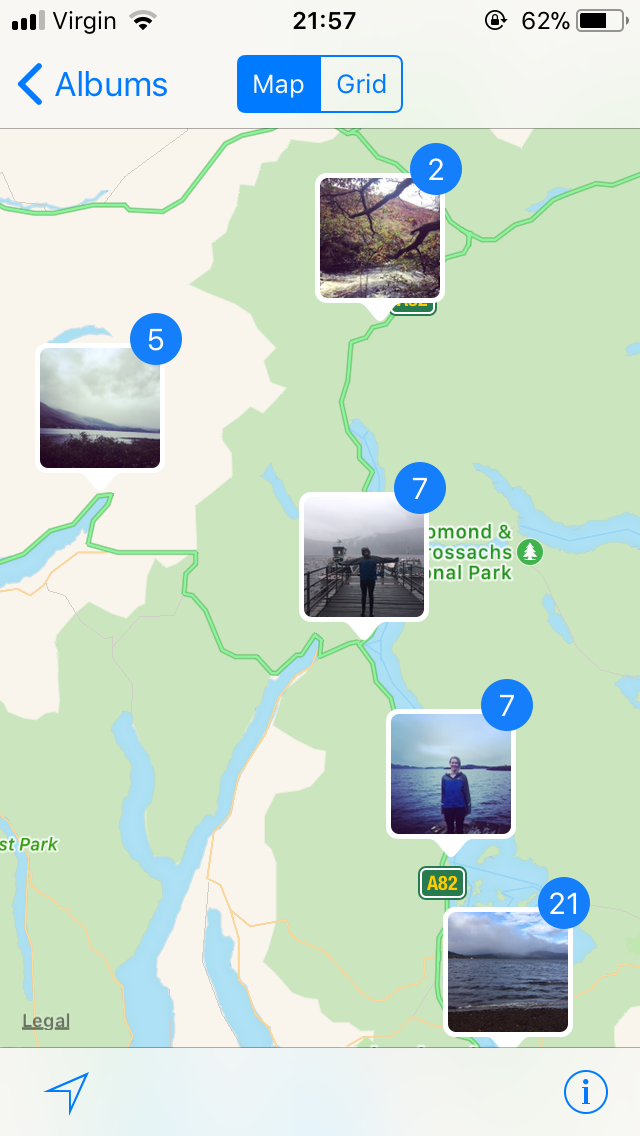
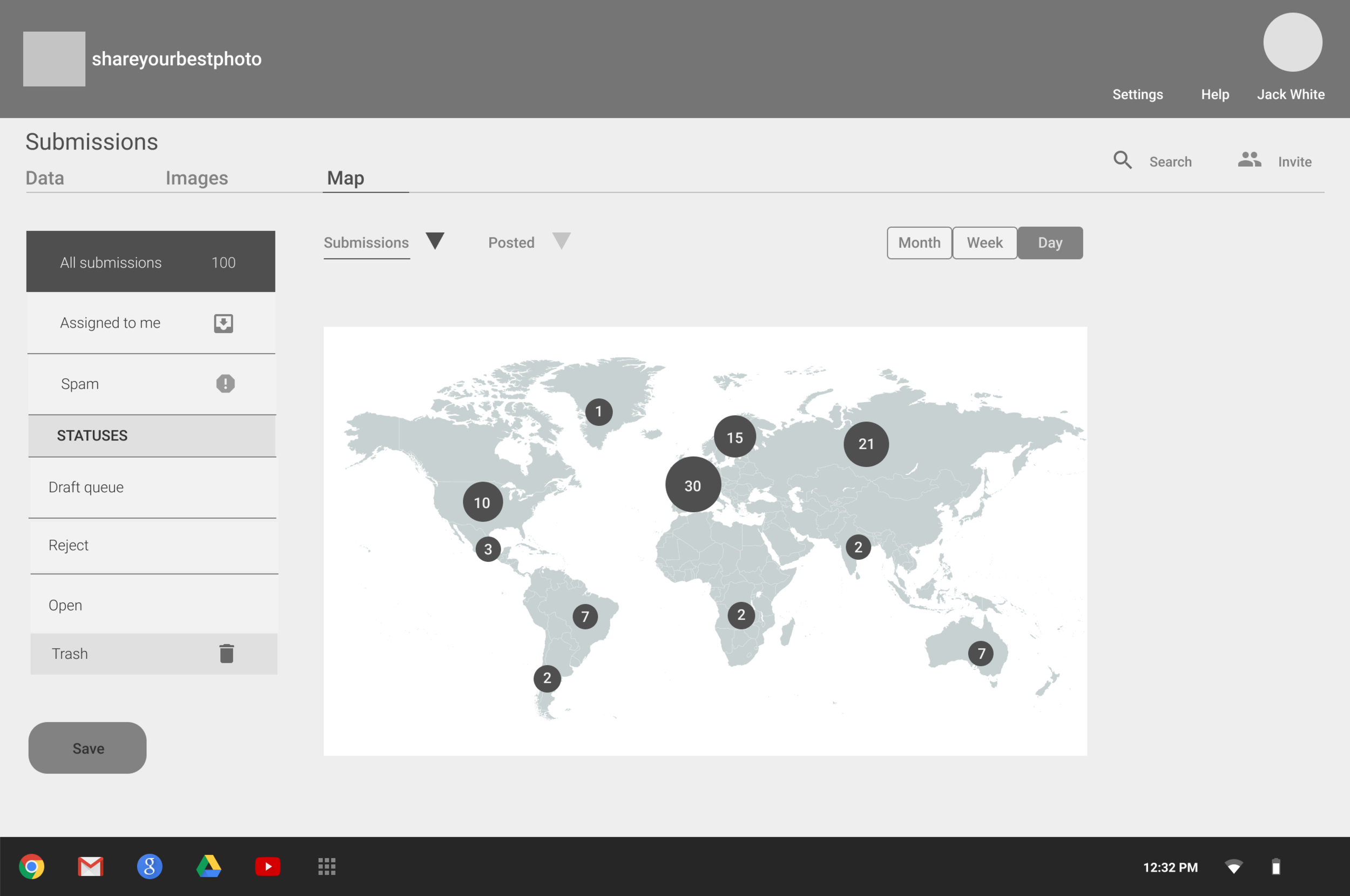
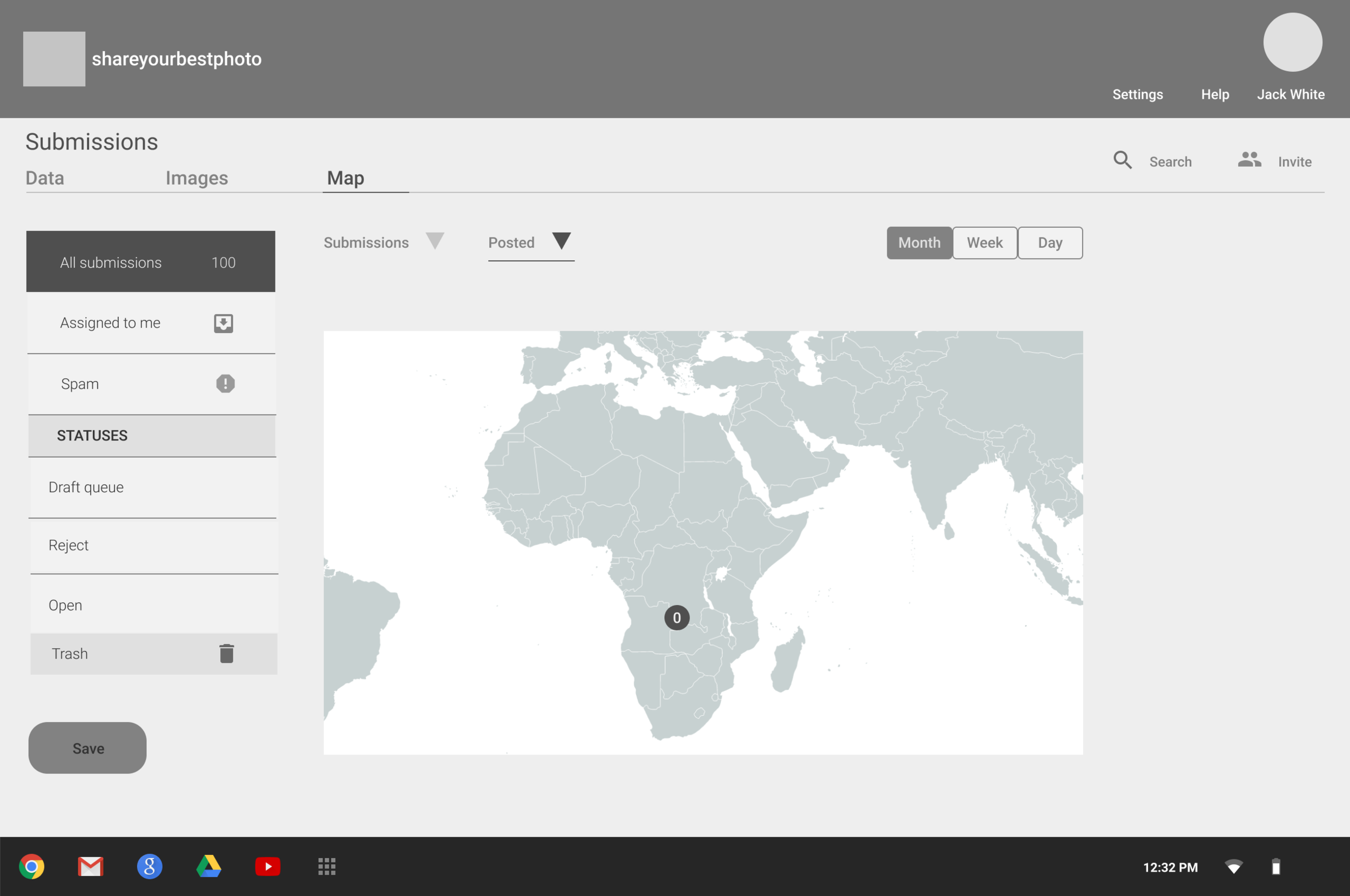
Might be worth looking at creating a map view screen to quickly visualize the location of submissions in the draft queue (to make sure an even distribution of locations is represented).
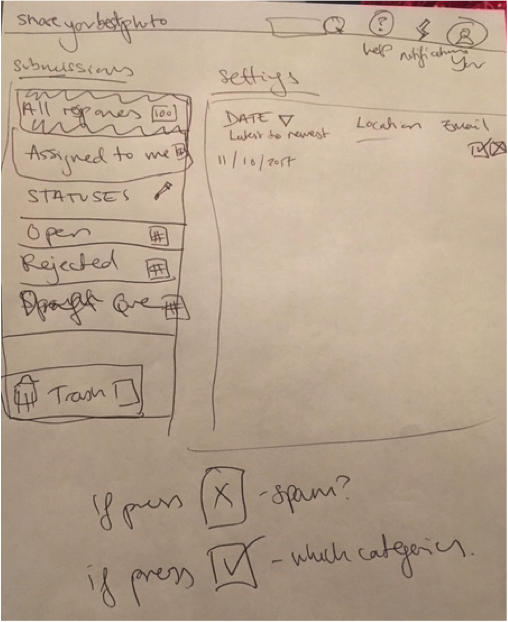
Low Fidelity Paper Prototype
Sorting Submissions for Speed
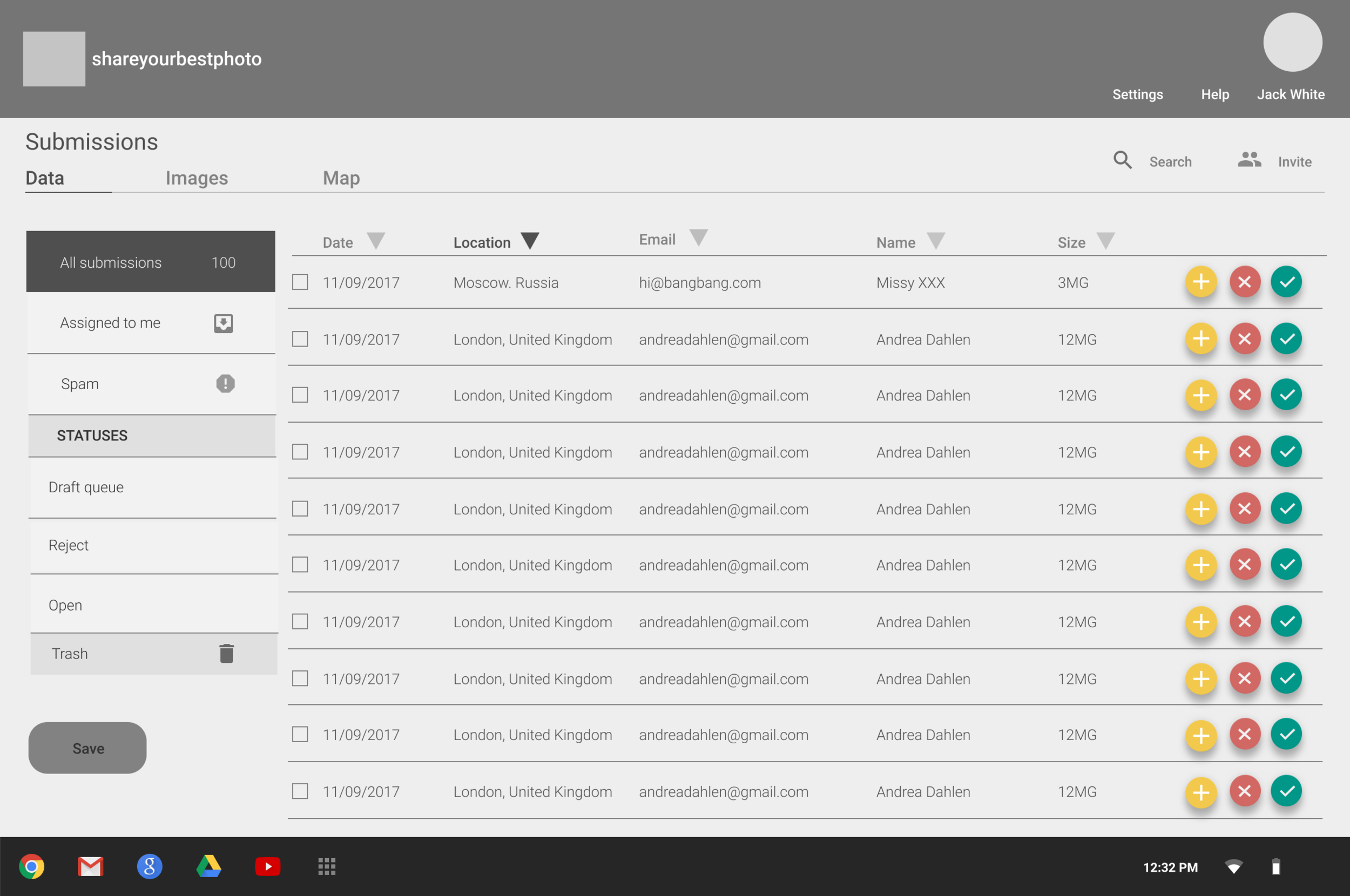
Region filter/tab to allow the admin to quickly evaluate the submissions from various regions (sort by country as a column within this screen) Consider for geographical scope, cities is best.
Default sorting set to the earliest submission date.
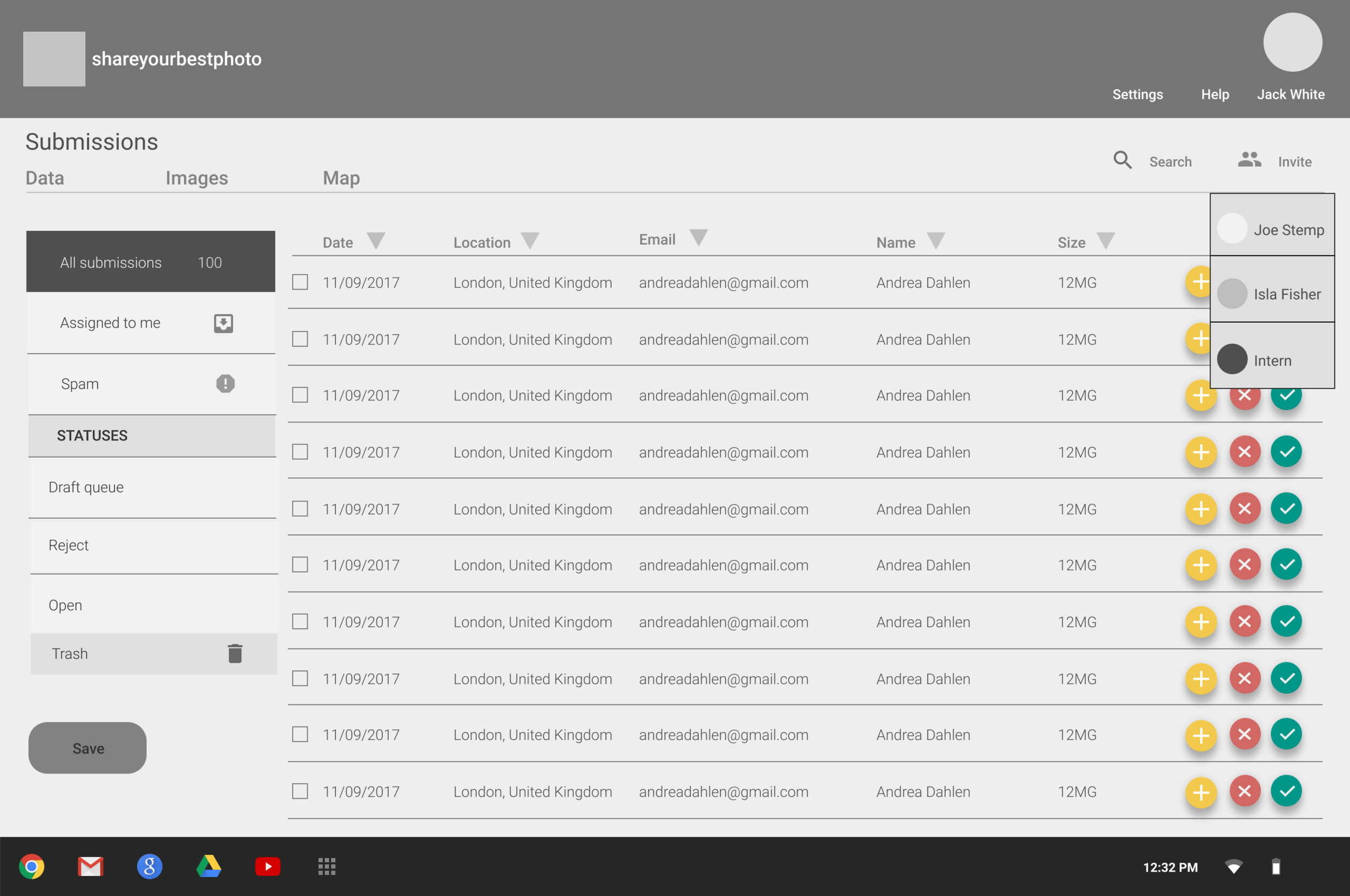
Add another admin.
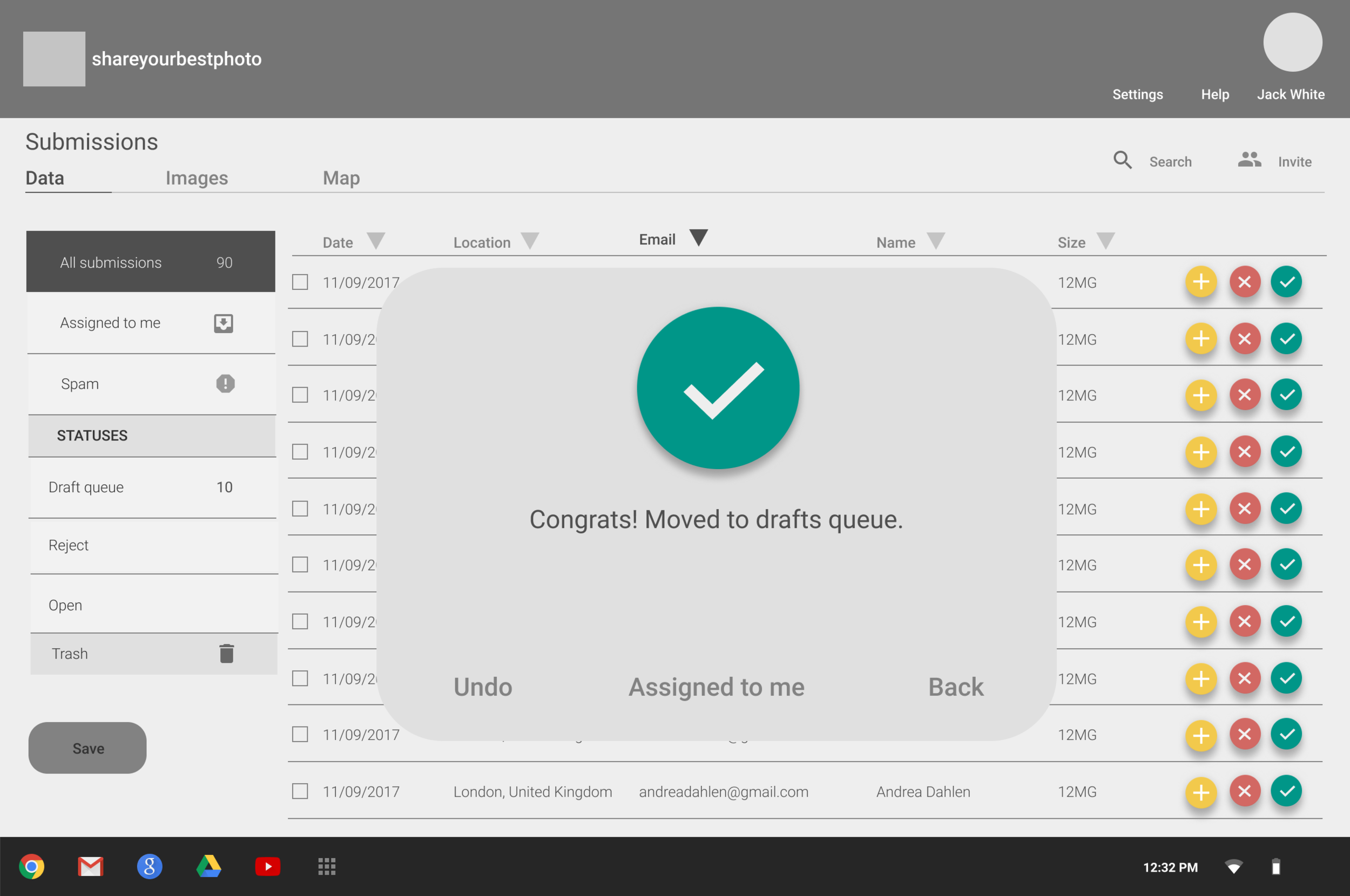
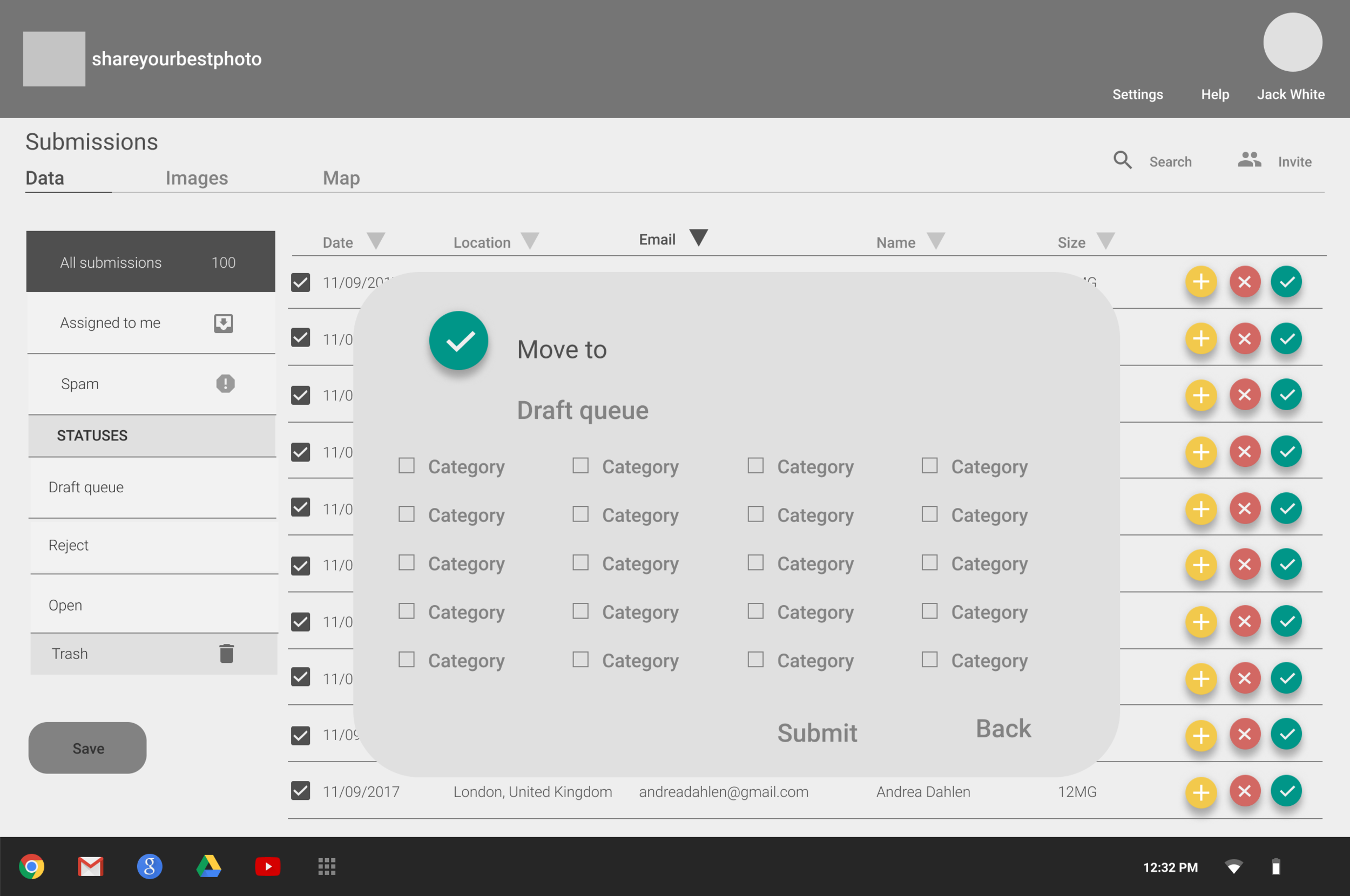
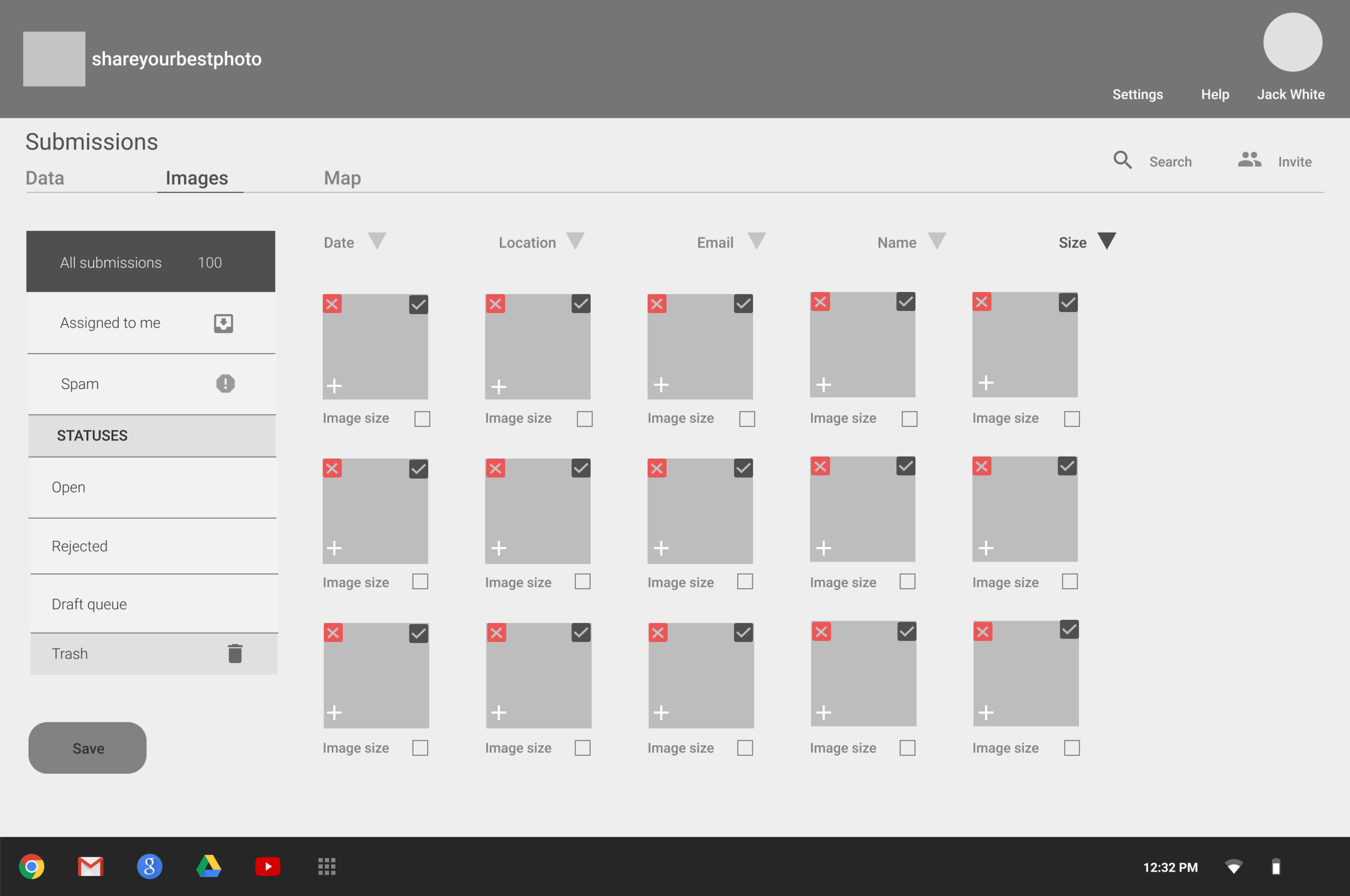
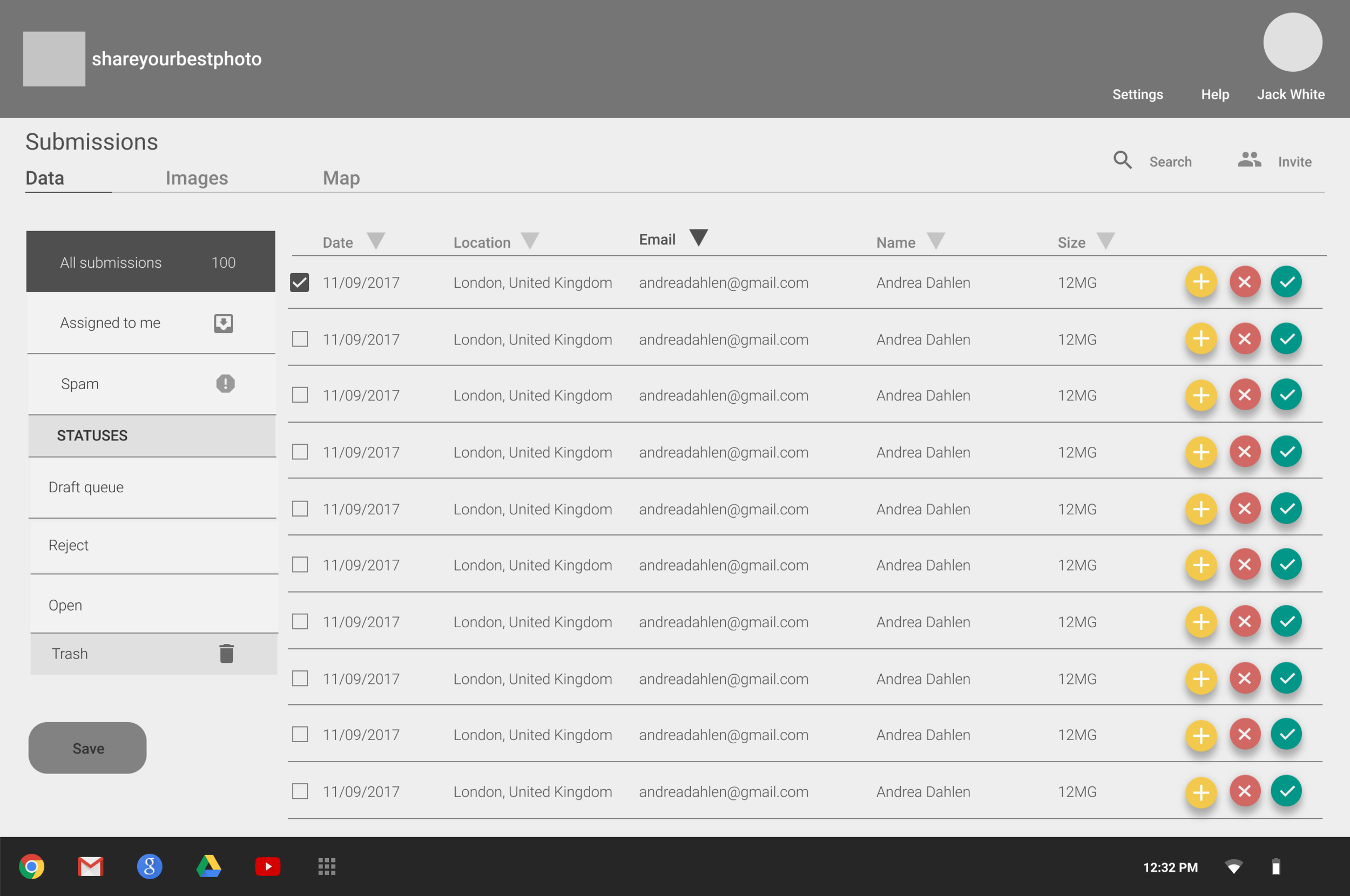
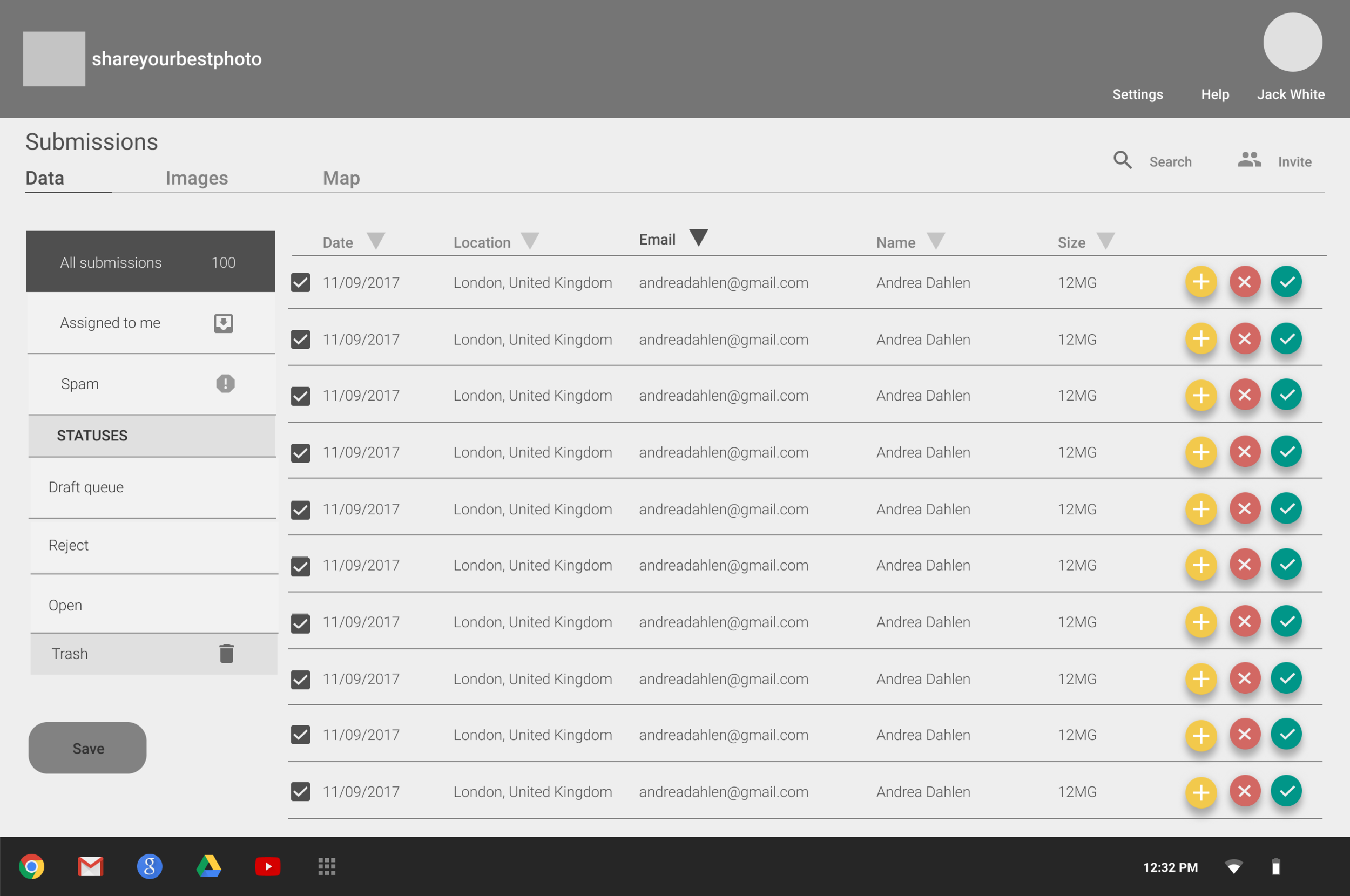
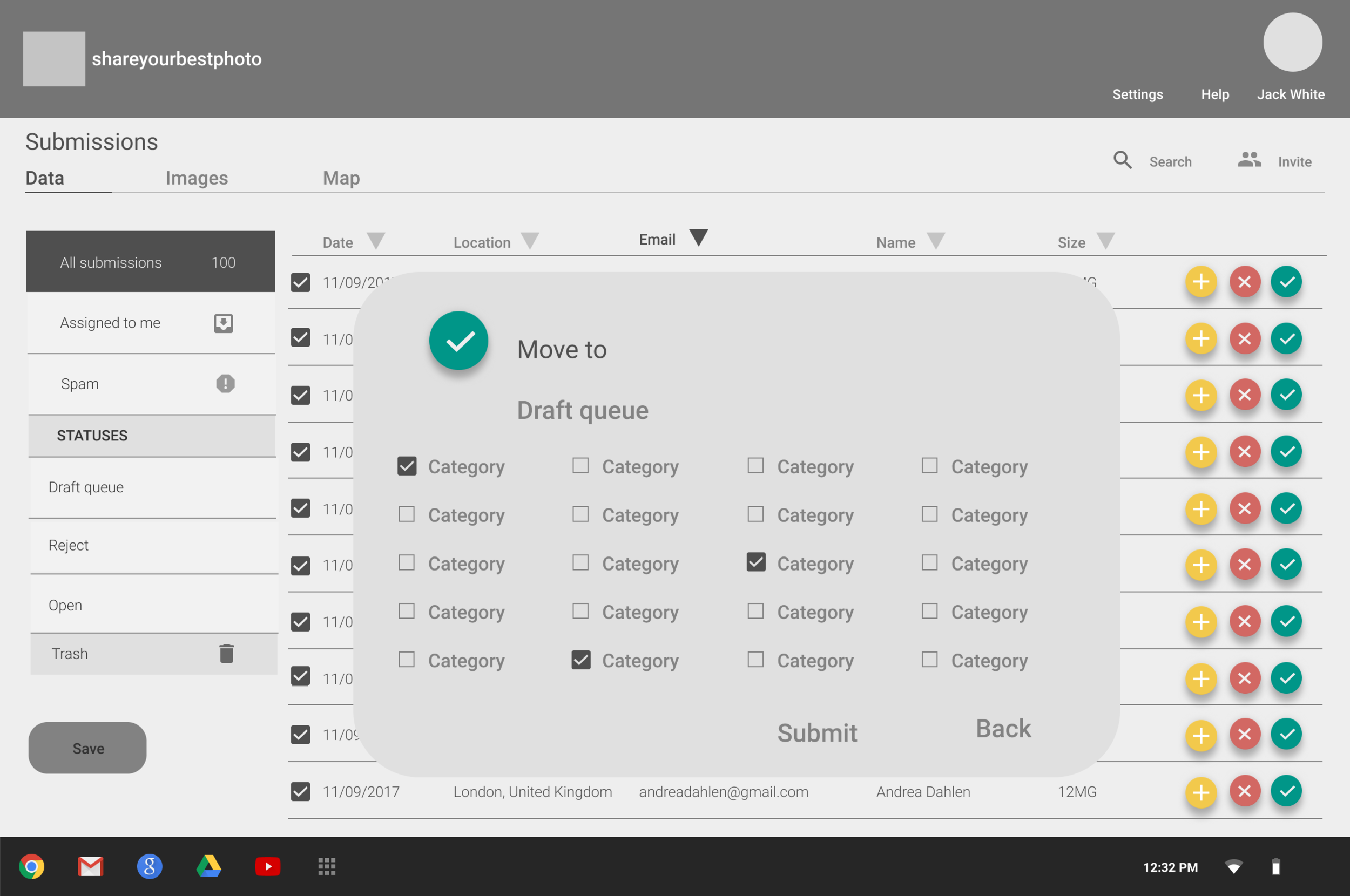
Allow the admin to approve images directly on this screen, and prompt them to select at least one of the 20 categories before allowing them to approve it.
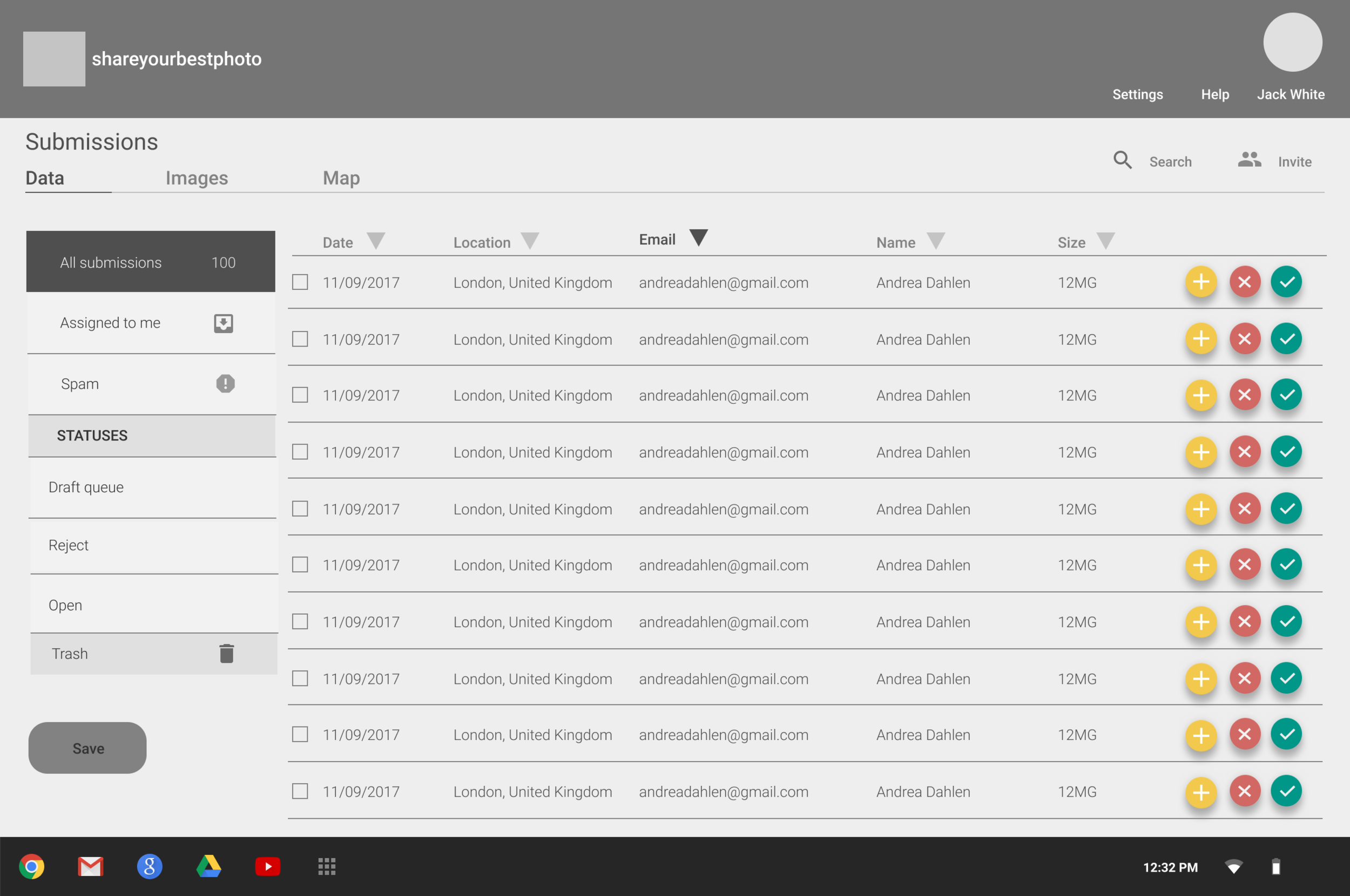
Allow bulk selection of images on any screen (can be used to apply categories to multiple images, and bulk approve images with categories all ready selected).
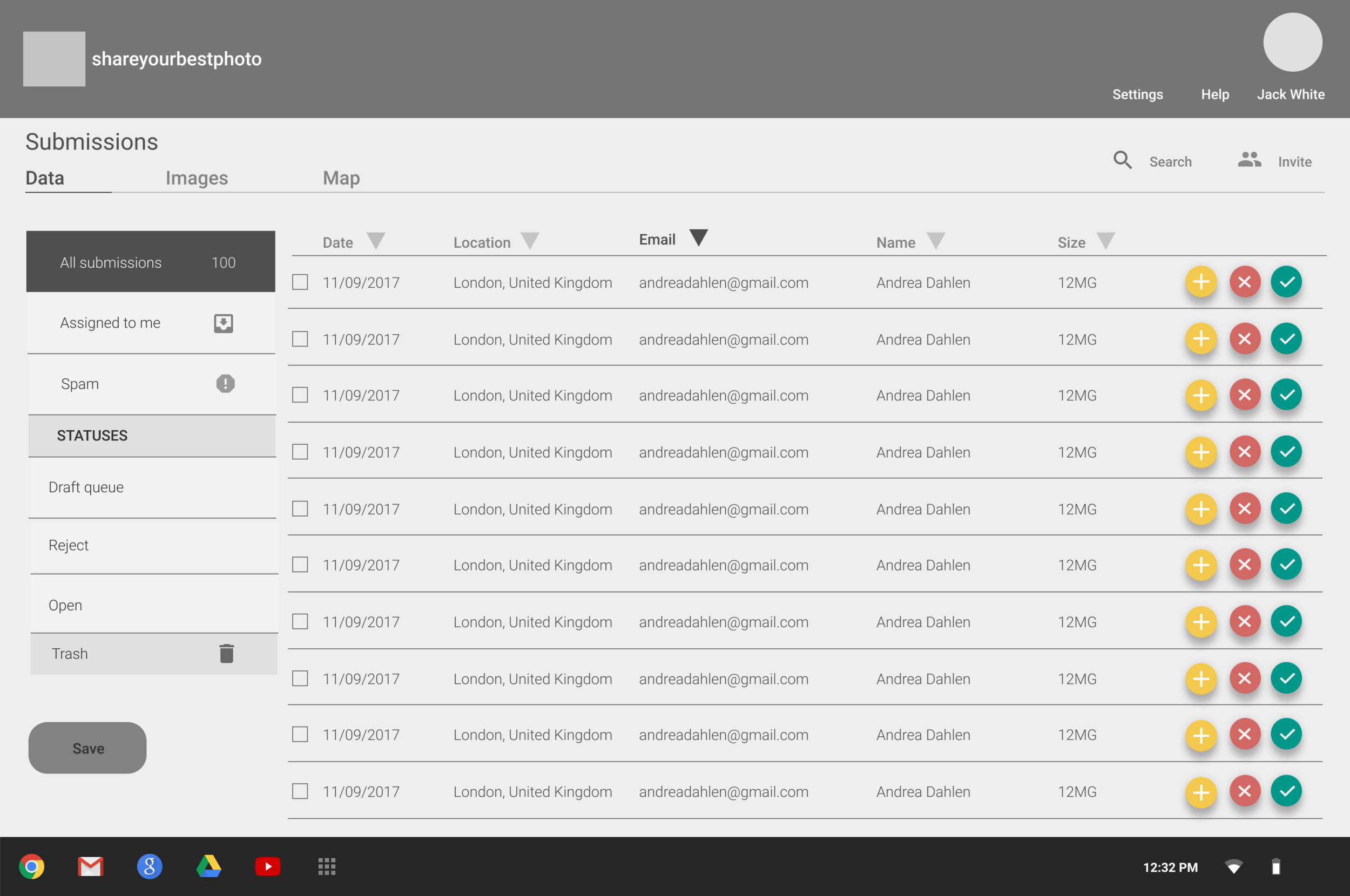
Final Design Proposal
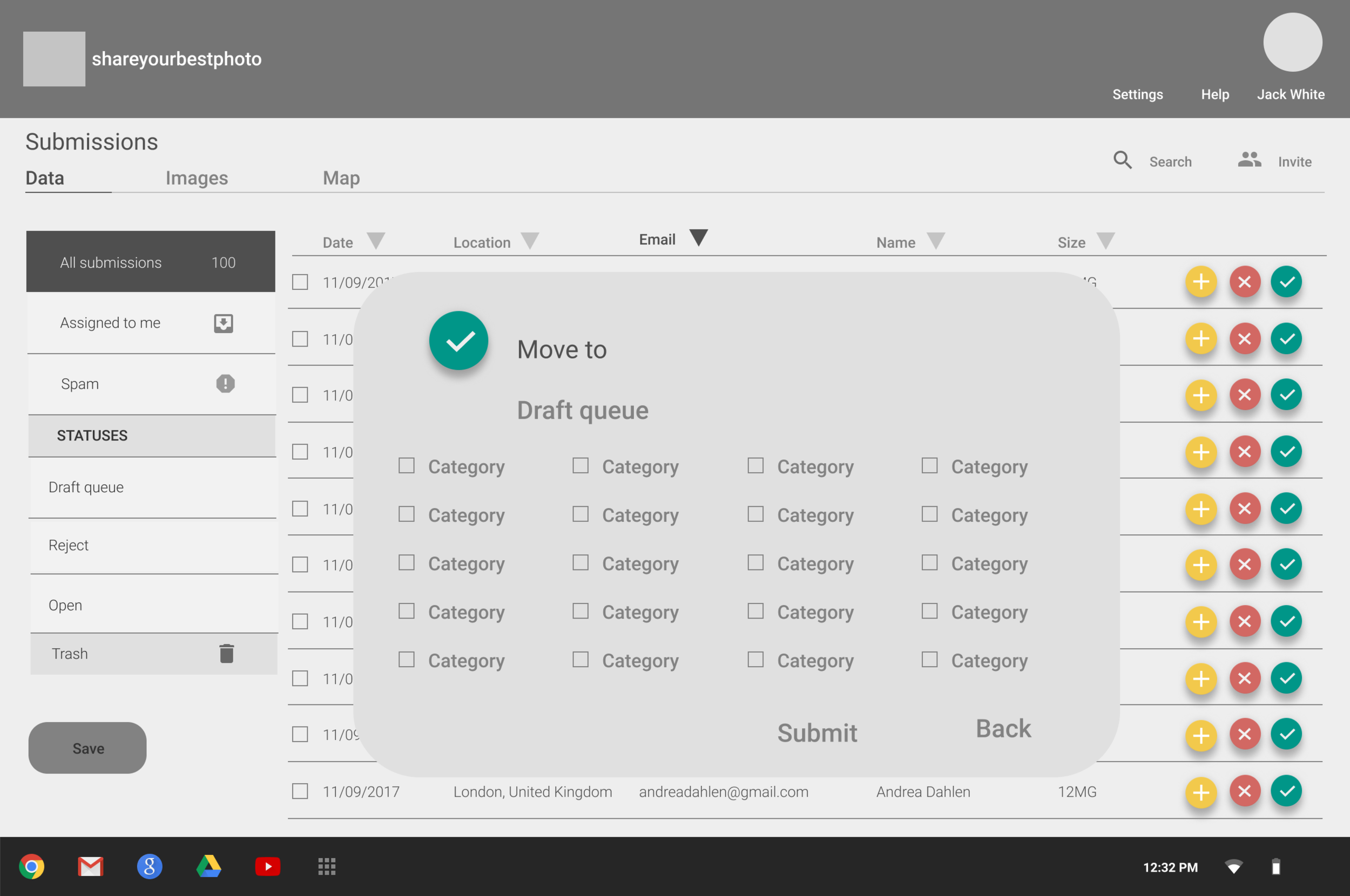
High Priority - Good geographical spread
Region filter/tab to allow the admin to quickly evaluate the submissions from various regions
Map view
Verifying content
Profiles
Geolocations
Essential - Speed
Reduced spam
Allow bulk selection
Quick verify/reject
Possible shared workload
Filtering content
Nice to have - Identifying best content
Image view
Bring in the front end users